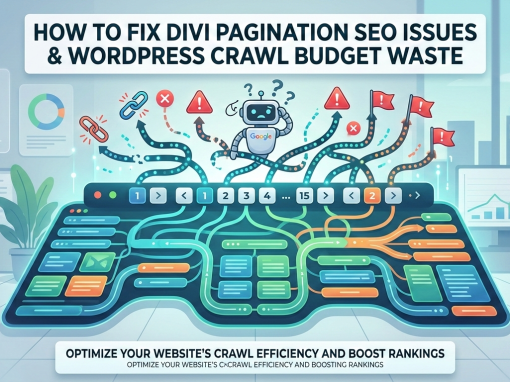
If you are using WordPress with the Divi theme, you may notice strange URLs appearing in Google Search Console such as:
/page/2/
/post-name/page/2/
/comment-page-1/
/feed/
/?replytocom=123
/post-name/page/2/?et_blog
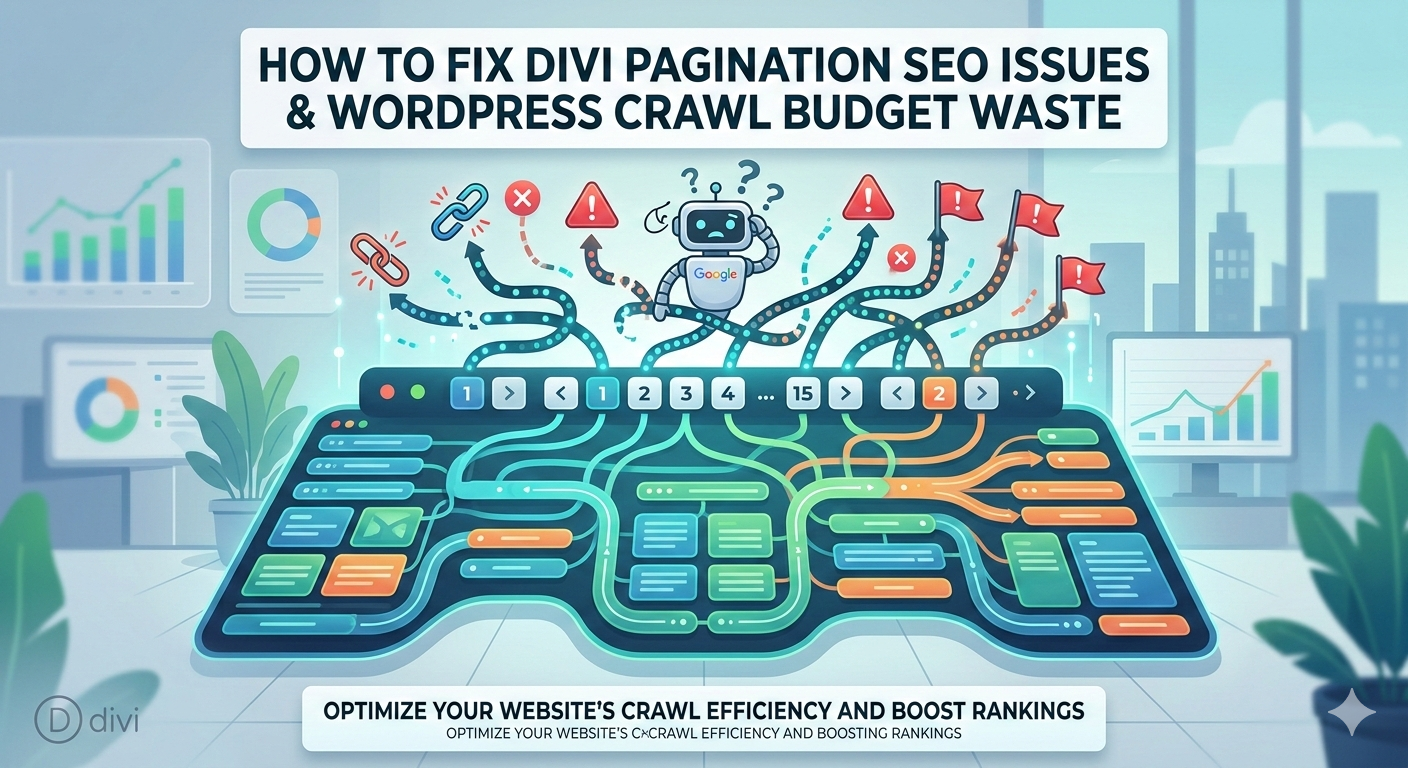
These URLs are usually generated automatically by WordPress or Divi modules. While they are not necessarily harmful, they can create duplicate pages that waste crawl budget and clutter your Search Console reports.
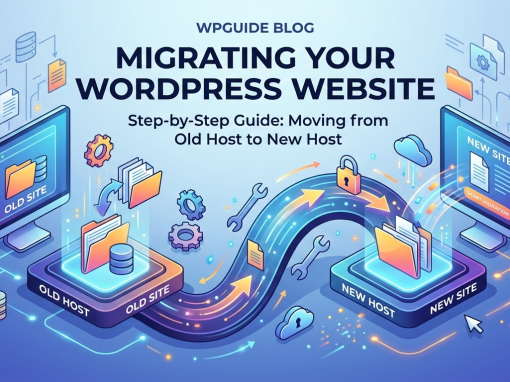
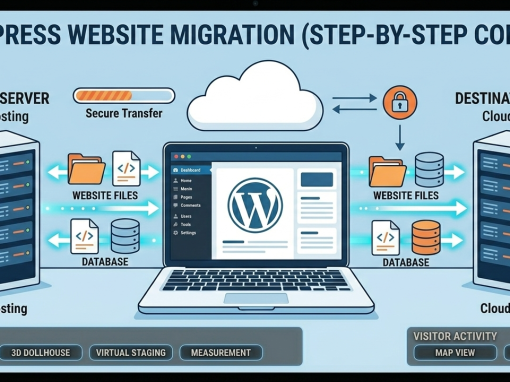
In this guide, you will learn how to fix pagination issues and improve indexing. If you're also planning to move your website to a faster server, you may want to read our WordPress Migration Guide which explains how to safely move a WordPress site to a new host.
You will also learn about:
- what WordPress crawl budget optimization is
- why Divi blog module pagination creates extra URLs
- which WordPress URLs waste crawl budget
- how to fix
/page/2/URLs - how to configure robots.txt and .htaccess
- how to monitor pagination issues in Google Search Console
What Is WordPress Crawl Budget Optimization?
WordPress crawl budget optimization is the process of ensuring that search engines spend their crawling resources on the most important pages of your website.
Google does not crawl every page on a website indefinitely. Instead, it allocates a limited amount of time and resources to crawling each site. This limit is known as the crawl budget.
If your website contains thousands of duplicate URLs, Googlebot may spend valuable time crawling pages that provide little or no SEO value.
For example, a single article can generate multiple URLs:
/top-10-affordable-and-fast-web-hosting-2025/
/top-10-affordable-and-fast-web-hosting-2025/page/2/
/top-10-affordable-and-fast-web-hosting-2025/?replytocom=123
/top-10-affordable-and-fast-web-hosting-2025/feed/
Although these URLs may exist for technical reasons, they often contain similar or duplicate content. Optimizing crawl budget ensures that Google focuses on your most valuable pages. This becomes even more important when running high-traffic websites hosted on modern servers. If you're choosing infrastructure for your site, our guide on Best Web Hosting for WordPress Websites explains how hosting performance can affect SEO and crawl efficiency.
Understanding Divi Blog Module Pagination
A common cause of duplicate URLs on Divi websites is Divi blog module pagination.
The Divi Blog Module allows you to display blog posts in a grid or list layout anywhere on your site. Instead of loading every post at once, Divi divides content into multiple pages.
This creates pagination URLs such as:
/page/2/
/page/3/
Pagination improves user experience because it prevents pages from loading too many posts at once.
Divi also uses AJAX loading to dynamically load blog posts without refreshing the entire page. AJAX allows the theme to fetch additional content in the background.
Because of this system, Divi sometimes generates URLs containing parameters such as:
?et_blog
These parameters help Divi retrieve blog module content dynamically.
While useful for the theme's functionality, they can create additional crawlable URLs that search engines may attempt to index.
How WordPress Creates Duplicate URLs
Another important factor in WordPress duplicate URLs SEO is the number of variations WordPress generates automatically.
These URLs are created by built-in features designed to improve navigation.
Examples include:
/page/2/
/post-name/page/2/
/comment-page-1/
/feed/
/?replytocom=123
Each of these URLs represents a variation of an existing page rather than unique content.
WordPress generates them for several reasons:
- pagination for long lists of posts
- comment navigation for large discussions
- RSS feeds for feed readers
- reply-to-comment links for discussion threads
Although useful for users, they can create multiple versions of the same content for search engines.
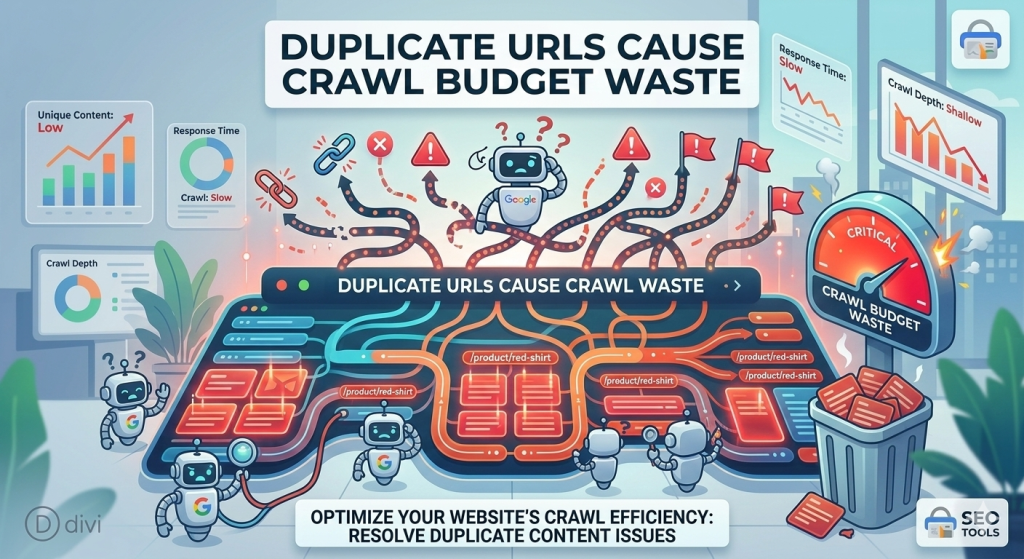
How Duplicate URLs Waste Crawl Budget
Duplicate URLs can significantly reduce crawl budget efficiency in WordPress.
When Googlebot encounters duplicate pages, it must crawl and evaluate each version. This can lead to several problems:
1. Google Crawls Duplicate Pages
Instead of discovering new content, Googlebot spends time crawling unnecessary URLs.
2. Indexing Delays
Important articles may take longer to appear in search results because Google is evaluating duplicate pages.
3. Search Console Clutter
You may see hundreds of warnings in Search Console such as:
- Crawled – currently not indexed
- Duplicate without user-selected canonical
- Alternate page with proper canonical tag
Cleaning up duplicate URLs helps Google focus on the pages that actually matter.
These URLs are created by built-in features designed to improve navigation. However, when building business websites it is important to combine proper SEO with professional design. Our Web Design Singapore Agency guide explains how technical SEO and modern web design work together to improve rankings.
7 WordPress URLs That Destroy Crawl Budget
Many WordPress websites unknowingly generate thousands of unnecessary URLs.
Below are the seven most common URL patterns that waste crawl budget.
1. Reply-To Comment URLs
Example:
?replytocom=123
These are created when users reply directly to comments.
2. RSS Feed URLs
Examples:
/feed/
/post-name/feed/
/comments/feed/
RSS feeds are useful for feed readers but unnecessary for search indexing.
3. Comment Pagination
Example:
/comment-page-1/
WordPress creates separate pages for large comment sections.
4. WordPress Pagination
Examples:
/page/2/
/page/3/
These are created when content lists exceed the number of posts per page.
5. Post Pagination
Example:
/post-name/page/2/
Some themes or page builders create paginated versions of posts.
6. Attachment Pages
WordPress creates a page for every uploaded image.
Example:
/image-name/
These pages usually contain very little content.
7. Search Result Pages
Example:
?s=web+hosting
Search pages can generate thousands of URLs depending on search queries.
Fix /page/2 URLs in WordPress
One of the best ways to fix page/2 URLs in WordPress is by redirecting unnecessary paginated URLs.
Add the following rule to your .htaccess file:
RewriteRule ^(.+)/page/[0-9]+/?$ /$1/ [R=301,L]
This rule redirects pagination URLs back to the main page.
Example:
/post-name/page/2/
redirects to:
/post-name/
This consolidates SEO signals and prevents search engines from indexing duplicate pages.
Optimizing WordPress Crawl Budget with robots.txt
A properly configured robots.txt file can prevent search engines from crawling low-value URLs. We handle all this and more in our SEO Foundation Launch Package under SEO Services.
Example configuration:
User-agent: *
Disallow: /wp-admin/
Allow: /wp-admin/admin-ajax.php# Block WordPress junk URLs
Disallow: */feed/
Disallow: */comment-page-
Disallow: *?replytocom
Disallow: /?s=# Optional pagination control
Disallow: */page/Sitemap: https://hosting-server.net/sitemap_index.xml
This configuration prevents search engines from crawling unnecessary pages while still allowing access to important content.
Optimizing Divi Pagination SEO
Improving Divi pagination SEO often requires adjusting how the Divi Blog Module is used.
Best practices include:
- avoid placing blog modules on single-post templates
- reduce unnecessary pagination
- limit the number of posts displayed per page
- use category archives for structured content browsing
Divi 5 introduces improvements to dynamic module loading that help reduce unnecessary URL variations when layouts are designed properly.
Careful layout planning ensures that pagination improves user experience without creating SEO problems.
Proper configuration of your WordPress environment can also prevent many of these issues. If you manage client websites or business sites, our Managed Web Hosting + Essential Care service handles optimization, security, and maintenance automatically.
How to Fix WordPress Pagination SEO in Google Search Console
To monitor pagination issues, open Google Search Console and navigate to:
Indexing → Pages
Look for warnings such as:
- Crawled – currently not indexed
- Duplicate without user-selected canonical
- Alternate page with proper canonical tag
Pagination issues often appear in URLs like:
/post-name/page/2/
/page/3/
/post-name/page/2/?et_blog
After applying fixes such as redirects or robots.txt rules, click Validate Fix in Search Console.
Google will re-crawl your pages and gradually update the report.
To monitor pagination issues, open Google Search Console and review the indexing reports regularly. If you are migrating websites or changing hosting providers, it is also important to monitor indexing changes carefully. Our WordPress Migration Guide explains how to do this safely during a site migration.
FAQ: WordPress Pagination and Crawl Budget
Divi creates pagination URLs when the Blog Module divides posts into multiple pages to improve page load speed and navigation.
Pagination itself does not hurt SEO, but excessive duplicate URLs can waste crawl budget and clutter indexing reports.
Pagination should usually remain accessible for archive pages but may be blocked for duplicate post pagination depending on your site structure.
The best approach combines redirects, robots.txt optimization, and proper canonical tags.
After applying fixes and validating them in Google Search Console, it may take several weeks for Google to update its indexing reports.
Final Thoughts
WordPress and Divi are powerful tools for building modern websites, but they can generate many unnecessary URLs if not configured carefully.
By understanding pagination and implementing simple fixes such as redirects, robots.txt rules, and proper layout design, you can:
- reduce crawl budget waste
- clean up Google Search Console reports
- improve indexing efficiency
- strengthen your overall SEO performance
Managing these technical details ensures search engines focus on your most valuable content and pages.
Managing these technical details ensures search engines focus on your most valuable content. Combined with fast hosting and optimized infrastructure, these improvements can significantly improve SEO performance. If you're looking for reliable hosting options, see our guide on Affordable and Fast Web Hosting.