
Hiring a website designer is not just about getting something that “looks nice.”
Your design decisions affect:
- How fast users engage
- Whether visitors convert
- How well you rank on Google
- How scalable your business becomes
Before signing any contract, you should evaluate portfolios, responsiveness, SEO knowledge, mobile compatibility, content strategy, technical support, pricing transparency — and understand the difference between design and development.
This guide walks you through exactly what to check before investing.
Key Takeaways
- Clarify scope and roles: Website design handles layout, visuals, and UX. Web development adds programming, databases, eCommerce, and integrations.
- Prioritize performance: Aim for sub-3 second load times and measurable page-speed targets.
- Confirm responsive design: Mobile-first is mandatory.
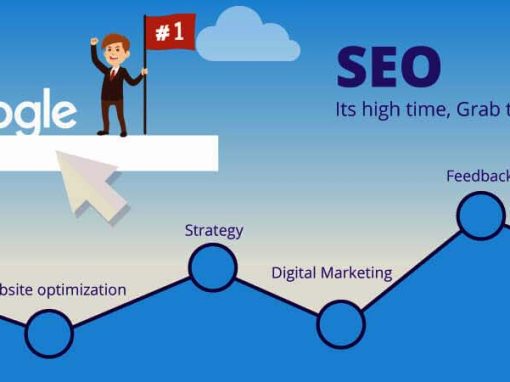
- Include SEO strategy: One target keyword per page, structured headings, metadata, internal linking.
- Review real work: Always test live portfolio sites, not just screenshots.
- Demand clear pricing: Avoid vague quotes.
If you haven't reviewed pricing benchmarks yet, read our full breakdown here:
👉 How Much Does Web Design Cost in Singapore? (2026 Pricing Guide)
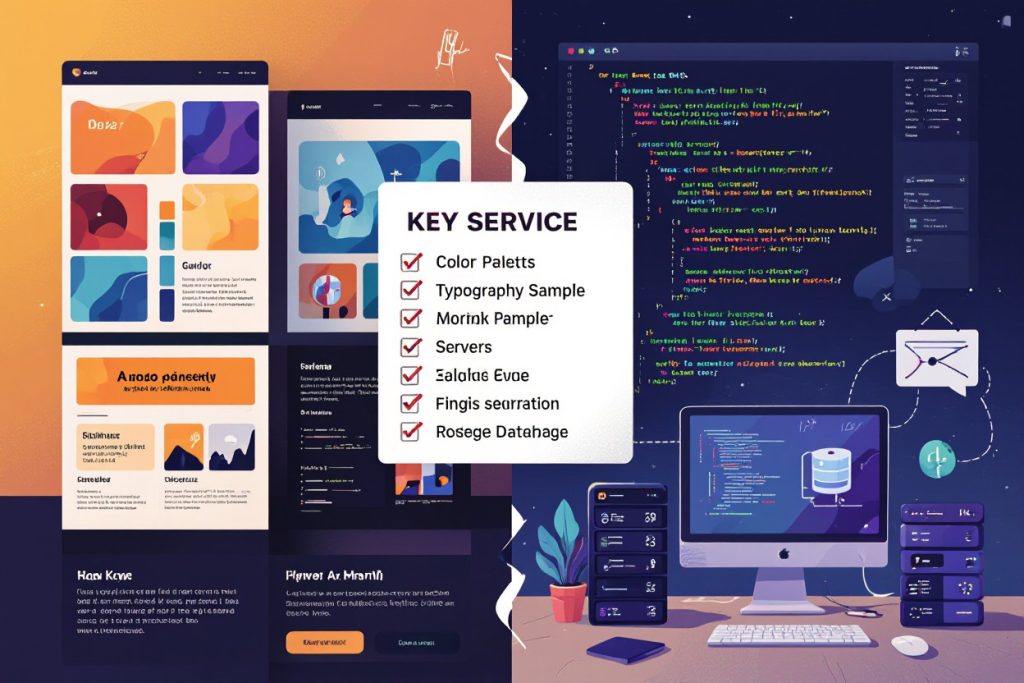

Understanding Website Design vs Web Development
Many business owners confuse these two.
Website Design
- Layout
- Typography
- Color schemes
- Visual hierarchy
- User experience flow
Web Development
- Coding (HTML/CSS/JS)
- Database integration
- Payment gateways
- API connections
- Membership systems
A 5-page brochure site is mostly design.
An eCommerce site with user accounts and payment systems requires development — often 2–5× the cost.
1. Identify Your Goals Before Hiring
Do not start by asking for a quote.
Start by defining objectives.
Examples:
- Increase leads by 30% in 6 months
- Rank for 3–5 core keywords
- Convert 3% of traffic into sales
- Sell 200+ SKUs online
Your goals determine:
- Budget
- Timeline
- Platform
- Required expertise
Without clarity, scope creep happens — and costs escalate.
2. Evaluate Portfolio the Right Way
Don’t just look at aesthetics.
Open their live websites and test:
- Load speed (under 3 seconds ideal)
- Mobile responsiveness
- Navigation clarity
- Conversion flow
- SEO structure (check headings & page titles)
Ask:
- What was your role in this project?
- Did the client see measurable results?
- What was the timeline?
3. Performance & Optimization Questions to Ask
Fast websites convert better and rank higher.
Ask:
- What page speed score do you target?
- Do you optimize images?
- Do you implement caching?
- What hosting setup do you recommend?
- Do you test Core Web Vitals?
Look for:
- LCP under 2.5 seconds
- Clean code
- Image compression (WebP)
- CDN implementation if needed
4. Confirm Responsive Design
More than half of traffic is mobile.
Your designer should:
- Use mobile-first layouts
- Test across screen sizes
- Avoid tiny text and tap targets
- Ensure fast mobile loading
If mobile looks like an afterthought — walk away.
5. SEO Must Be Built In — Not Added Later
Your design should support SEO from day one.
Minimum expectations:
- One target keyword per page
- Logical URL structure
- H1–H3 hierarchy
- Optimized title tags & meta descriptions
- Image alt text
- Internal linking strategy
If SEO isn’t part of the build, you’re paying for a redesign later.
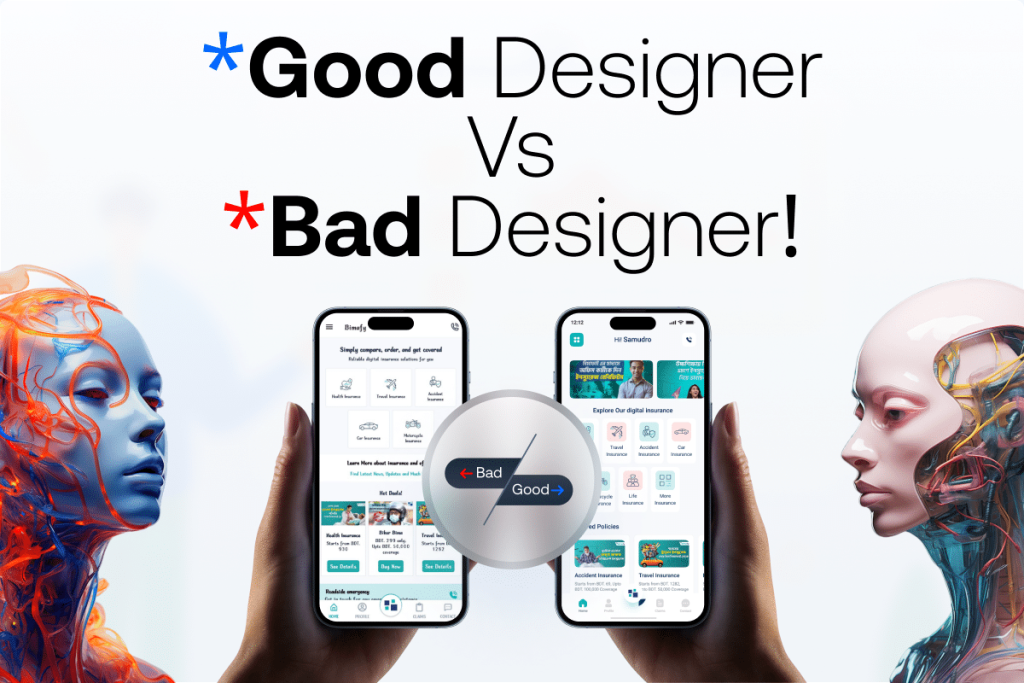
6. UX, Navigation & Conversion Flow
Good UX means:
- Clear call-to-action (1 primary per page)
- 3-click navigation depth
- Clean spacing
- Readable font sizes (16–18px base)
- WCAG contrast standards
Avoid:
- Auto-play videos
- Overloaded homepage
- Too many CTAs
- Cluttered design
A beautiful website that doesn’t convert is expensive art.
7. CMS & Platform Choice
Ask whether you need:
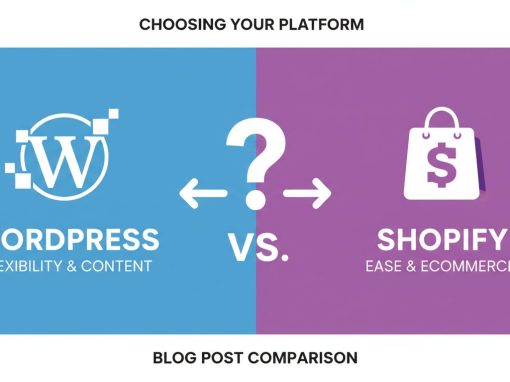
- WordPress (flexible & SEO-friendly)
- Shopify (eCommerce focus)
- Custom build (advanced platforms)
Consider:
- Scalability
- Ease of updates
- Plugin ecosystem
- Long-term maintenance cost
The wrong platform creates future limitations.
8. Understand Pricing Models
Fixed Pricing
Best when scope is clearly defined.
Typical:
- 5–10 page site: $1,000–$7,500
Hourly
Used for evolving projects.
Ranges:
- $30–$200+/hour depending on expertise
Always request:
- Detailed scope
- Revision limits
- Change order rules
- Timeline milestones
🚩 Red Flag Checklist
Avoid designers who:
- Cannot show live portfolio links
- Avoid discussing SEO
- Offer “unlimited revisions” without boundaries
- Refuse to provide timeline
- Don’t explain hosting setup
- Use only mockups (no real performance data)
- Promise #1 Google rankings
If communication feels vague early — expect chaos later.
💸 Common Cost Traps
Be aware of:
- Cheap upfront builds with expensive add-ons later
- Hidden hosting markups
- Ongoing plugin license fees
- Extra charges for mobile optimization
- Charging separately for basic SEO structure
- No post-launch support included
Low price today often means higher cost tomorrow.
📄 Contract Mistakes to Avoid
Before signing, confirm:
- Who owns the website files?
- Do you get admin access?
- Is hosting tied to the agency?
- What happens if you cancel maintenance?
- What is included in warranty (30 days typical)?
- Is SEO included or separate?
Never proceed without a written scope.
9. Post-Launch Support Matters
Websites require:
- Security updates
- Plugin updates
- Backups
- Performance monitoring
- Minor content changes
Budget:
- Simple sites: $50–200/month
- eCommerce: $200–800+/month
Without maintenance, performance declines and risks increase.
10. Hosting Impacts Everything
Hosting affects:
- Speed
- Uptime
- Security
- SEO
Look for:
- 99.9%+ uptime
- SSD/NVMe storage
- Daily backups
- CDN support
- Realistic resource limits
Cheap shared hosting can bottleneck growth.
Summing It Up
Before hiring website design services:
✔ Define goals
✔ Understand design vs development
✔ Demand SEO integration
✔ Verify mobile & performance standards
✔ Review real portfolio work
✔ Avoid red flags
✔ Read the contract carefully
✔ Budget for maintenance
Your website is not a one-time design task.
It’s infrastructure for your business growth.
If you’re comparing quotes right now, don’t miss this:
👉 How Much Does Web Design Cost in Singapore? (2026 Pricing Guide)
It breaks down real market pricing so you know exactly what you should be paying — and why.